Apple iPhone localization favors .com over country codes

The Apple iPhone goes on sale today in the UK and Germany.

Awhile back I wondered how Apple would localize its Web keypad, which features the .com button to accelerate the input of URLs. I own an iPhone and really do make use of this button.

So I took a look at the German keypad demo today and here is what I found. If you look closely here, you’ll see that if the user presses and holds the .com key the .de button also appears:

iphone germany keypad

This is an interesting way to provide two such shortcuts.

But I think Apple made a big mistake here. The .de key should not be the optional button, it should be the default button; .com should be the optional button.

After all, the most popular German Web sites all have .de extensions. Even American companies that are successful in Germany, such as Google and Amazon, use the .de domain.

Now what about UK? Is there an optional .co.uk button available by pressing .com? Oddly, no.

What this says to me is that Apple either:

  1. Apple was in too much of a hurry to launch in Europe that it didn’t really put the time and thought into localizing the interface correctly.
  2. Apple did indeed take its time localizing for these two markets, but the folks in charge inherently believed that .com is more important than local domains.
  3. Apple tested the interface both ways in both local markets and found that this solution is indeed whats users want.

I vote for scenario number 2. What do you think?

The Localization of iPhone

So I gave in to my inner geek and purchased an iPhone.

One of the things I first noticed (and love) about the Web browser is the .com button on the keypad, shown here.

iPhone keypad

Of course, this little shortcut isn’t so handy if I want to visit a .org or .edu Web site.

It’s also not much use for visiting country-specific Web sites, such as www.yahoo.fr.

Which is why the localization of this interface is going to be an interesting thing to watch evolve.

It is just a matter of time before we see the iPhone launched around the world. So does that mean the .com key will be replaced by .de or .fr keys? I imagine so.

This will give companies yet another good reason to register country code domains. While a Web user in France may first go to acme.com and then navigate to acme.fr when visiting a Web site. Using the iPhone, it’s likely that person will simply go to acme.fr, an example of a new interface changing user behavior.

The other interesting thing I’ve noticed on the iPhone so far is that it doesn’t appear to be using a “conventional” Unicode font. That is, I’m finding that the interface displays Chinese and other Asian scripts just fine — as well as Cyrillic — but it can’t display Arabic or Hebrew scripts. What this says to me is that Apple doesn’t have the Middle East on its near-term global expansion plans. My guess is that it’s using the scaled-down font to conserve drive space. Documentation is hard to come by so far so I’d love to hear from anyone out there who knows more about this.

I’ve been to Europe once so far and the iPhone held up quite nicely; AT&T didn’t hit me up for too much in roaming fees. It is interesting — though not surprising — that you can’t de-activate cellular roaming and just rely on Wi-Fi. I did have a faulty power adapter but got that replaced at the Apple store with no resistance.

But back to the Web browser. I know this has been said many times before, but this is the first phone that makes browsing the Web about as easy as it is on a computer. And I suspect that over time this will have an impact not only on how companies develop Web sites in the US, but how they localize these sites for markets around the world.

The Next Generation of Google Asia

PC World writes that Google is testing new home page designs for Taiwan and Hong. This comes on the heals of Google’s new Korean home page.

The company is focusing on those markets where it currently does not lead. It looks like the new Web designs for Taiwan and Hong Kong will follow Korea’s lead — with more content, more animation, more everything.

Google cites the need to take advantage of the higher broadband speeds, which is certainly one good reason. But there is also the simple fact that austere Web designs have not (to this point) gone over very well with most Asian countries.

Does this mean that Google is sacrificing its identity to succeed in Asia? Perhaps. If, five years from now, tastes in Asia veer toward the austere, Google could find itself out-Googled by someone else.

It’s easy to be austere when you’re a one-trick pony, as was the case for Google six years ago. But it’s hard to be austere when you have so many different applications to offer. Even the new Apple iPhone, which is widely praise for its simplicity, features 16 icons on its home page (with more to come).

Perhaps feature-creep is just a fact of life for maturing Web sites. It wasn’t that long ago that Amazon featured only books on its home page and Yahoo! was little more than a one-column layout.

The Best Global Web Sites (and why)

What separates good global Web sites from great global Web sites? Is it just the number of languages a Web site supports? Certainly languages are essential.

Although every Web site is global by nature, few Web sites support enough languages to be understood by the majority of the world’s Internet users.

But translation is just one aspect of a successful global Web site. As the practice of Web globalization has become mainstream, so too have a number of best practices.

In an effort to identify and understand these established and emerging best practices, in 2003, I began benchmarking the Web sites of hundreds of global companies and organizations. I tracked language use, navigation techniques, and global consistency, and interviewed hundreds of executives who manage these global Web sites. This information formed the basis for The Web Globalization Report Card of which the 2007 edition was recently published.

This article lists the top 10 Web sites from the report and explains some of the best practices that these Web sites have in common.

The Best Global Web Sites
Let’s get right to the top 10 Web sites for 2007:

top_10_global_websites.gif

Google has made itself at home at the top of this list for the past few years. The reason Google excels is not just due to its 115-language search interface. Google has also rapidly localized its many Web-based applications — from Blogger to Adwords — in up to 40 languages.

Wikipedia can lay claim to being the most global Web site on the Internet, offering content in more than 250 languages. Wikipedia proves that you don’t need to be a big corporation to create a wildly successful global Web site; you do, however, need a few thousand very motivated volunteers.

Cisco Systems and Philips both improved their global navigation over the past year, improving their scores. Microsoft recently added a Spanish site for the US market, bringing the number of languages it supports to 40. And American Express supports 29 languages, more than any other financial services company; within the past year, the company added localized sites for Romania and Slovenia.

Although the Web sites on the list reflect a wide range of industries and audience types, you will find they have a number things in common related to Web globalization.

What Makes a Great Global Web Site?
The grading criteria of the The Web Globalization Report Card can be distilled into four best practices:

  1. Languages: To reach 80% of the world’s Internet users, you must support at least 10 languages. The best Web sites support many more.
  2. Localization: Not only is depth of localized content essential to success, but so is the localization of elements such as search engines, promotions, icons, and photos.
  3. Global Navigation: Users must be able to find their local Web sites even if they don’t speak English.
  4. Global Consistency: Global design templates not only support the global brand, they are quite simply a lot easier to manage internally.

Languages: Not Standing Still
It wasn’t very long ago that you could call your Web site global when it supported FIGS (French, Italian, German, Spanish) and Japanese. But rising Internet penetration, the globalization of business, and higher user expectations have given rise to the 30+ language Web site.

While the demand for more languages is hardly surprising, the pace at which many companies are moving is impressive. In the just two years, the following companies have all increased the number of languages they support:

Languages Supported: 2005 to 2007

languages_supported_2005-2007.gif

Based on the Report Card, the average number of languages supported by the 200 Web sites studied is 18 — a 23% increase from 2006. By this time next year the average could very well surpass 20 languages.

Localization: Giving Web Users What They Want
Web localization typically evolves in stages. First, the marketing folks have their way at creating localized Web sites. These mini-sites typically function like brochures — promoting the newest products and services and saying a bit about the company.

The danger with this approach is that the localized Web sites may create the impression that the entire Web sites have been translated, resulting in disappointed users. However, if Web sites are transparent about what they content they support and do not support — the sites have proven to be a positive step forward in Web localization.

Consider Intel’s localized site for France. While a great deal of content is available in French, some content remains in English. Instead of removing the links to the English content, Intel inserts icons to alert the user to English content:

intel_english_content.gif

This is a smart strategy because it gives the user a sense of control and also gives bi-lingual users access to all available information, instead of having to jump back and forth between the US and French Web sites.

Rarely do companies translate all of their content for all markets they serve — the costs are simply too high. The emergence of machine translation will certainly help companies fill in these content gaps, but this too will take time. Until then, a tiered approach to Web localization is the way most companies proceed.

A tiered approach to Web localization aligns resources with potential returns. Managing internal as well as external expectations. It also allows a company to get into a market quickly without risking too much upfront.

Provided the Web site does not create the impression that there is more content beneath the marketing facade, these sites can be successful. Companies may use them to test market demand, generate leads for the local sales team, or simply to appease the local sales offices.

Ultimately, companies will need to spend real money on translating lots of content and localizing the applications that consumers want. And this is where the real work begins.

For example, consider the localized room reservation engine at Starwood Hotels. Shown here, you can see a few details that must be addressed in the localization of this application — such as text expansion from English to German and date formats.

english_german_date_formats.gif

The localization of reservation engines, search engines, shopping carts, and order tracking engines are where the best localized sites distance themselves from the competition.

Truly Global Navigation
Localized Web sites are of little value if the Web user cannot find them. Many global companies find that more than half of the traffic to their .com sites originates from outside of their home market. The challenge then becomes one of directing these Web users to their local sites — something that is easier said than done.

A “select country” pull-down menu on the home page isn’t by itself good enough. Here are the major elements a company may employ to direct Web users to local Web sites:

  • Country domain name (like .fr for France)
  • The splash global gateway
  • The permanent global gateway
  • Language negotiation
  • Geolocation

The splash global gateway and permanent global gateway are illustrated here.

web globalization design architecture

The splash gateway is a valuable device for ensuring that first-time visitors select their locale before they have a chance to get lost. On each country site is a permanent gateway icon that links back to the splash page so Web users can change locale settings at any time.

Nearly 30% of the 200 Web sites studied now deploy splash global gateway pages to direct Web users to local content. At this rate of growth, I expect the number of Web sites using splash gateways to surpass 50% by the end of 2008. What’s the reason for this increase? For starters, a splash global gateway, properly executed, is an excellent navigation tool. Second, as more companies begin supporting 20+ or 30+ country Web sites, they find they cannot get by simply using a pull-down menu.

caterpillar splash global gateway

A splash global gateway is not for everyone. Google, for one, does not use one. However, it does use geolocation and language negotiation to detect the user’s language preference and location so it may seamlessly take the user to a specific localized site.

There is no one perfect global navigation strategy. In fact, as companies add more localized sites, their strategies and evolve as well. But here are three general best practices that all companies should follow:

  1. Flags should not be used to indicate language.
  2. Language and country names should be presented in their native language and script.
  3. Companies should not show favoritism for any country over another.


Global Consistency: Web Designs that Travel

Companies often don’t enter Web globalization thinking that they’ll one day be supporting 100+ local Web sites. As a result, they often do not think about how to develop Web templates that can scale quickly to accommodate many localized sites while remaining easy to manage. It’s much easier to train your global Web team, and share ideas, if everyone is working with the same templates and on the same platform.

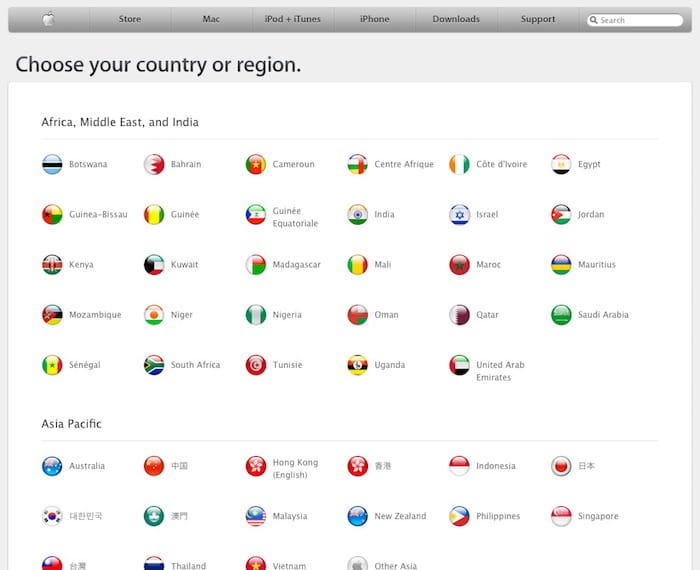
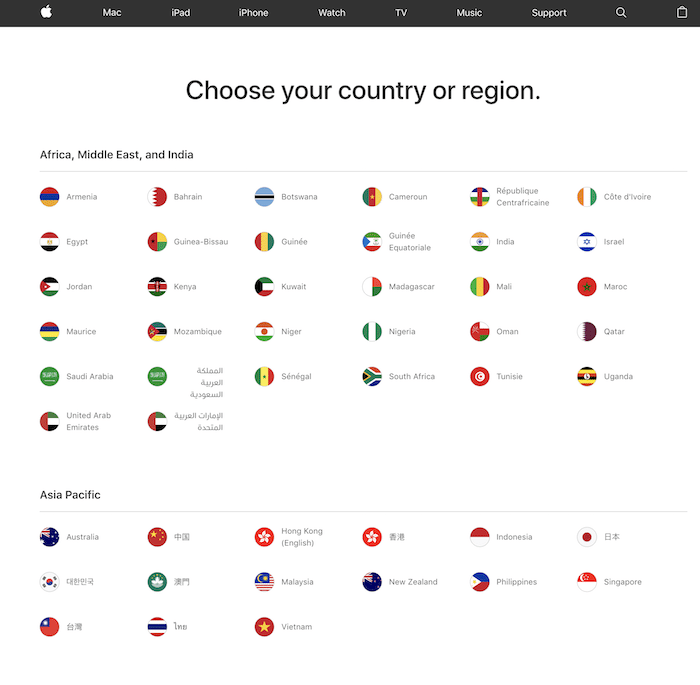
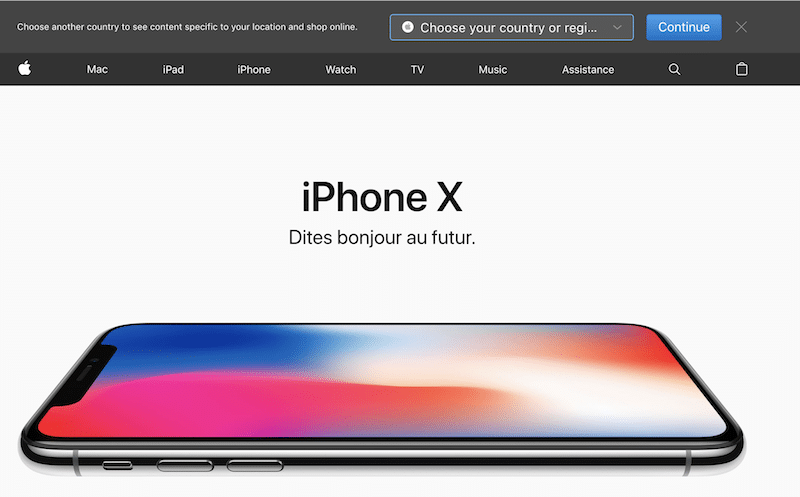
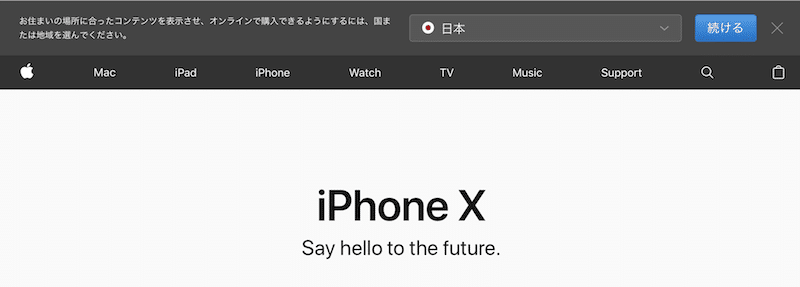
As shown here with Apple, a consistent global template allows the company to more efficiently deploy global promotions. Local offices aren’t required to resize images or redesign layouts. The elements need only be localized.

Apple country web sites

Global design templates are used by all Web sites in the top 10. In fact, nearly half of the Web sites studied for the Report Card either support consistent global templates or are on their way to doing so.

Global templates need not restrict local sites from offering their own content. The best global templates generally reflect less design, that is, fewer elements and minimal screen real estate.

To Become the Best, Study the Best
If there is one key takeaway from this article it is this: If you want to improve your company’s global Web site, look outside of your industry. Web globalization best practices may emerge from anywhere, so it’s always important to study those companies that have done a particularly good job of communicating with the world. From the splash gateway used by Caterpillar to the geolocation used by Google, by keeping an eye outside of your industry, you’ll be better prepared to stay ahead of the competitors within your industry.

Relevant Reports:

The 2007 Web Globalization Report Card

The Art of the Global Gateway

The Brazil Localization Report

The Russia Localization Report